
WalletConnect combines convenience of your computer's big screen with the security of your private keys encrypted in your phone. It allows you to open and use dApps on your computer's browser, and securely sign transactions on your phone without ever exposing your private keys. Here's how you use it in Coinomi.
Initiating connection
- On your computer's browser, open your defi website of choice and look for the "connect" button
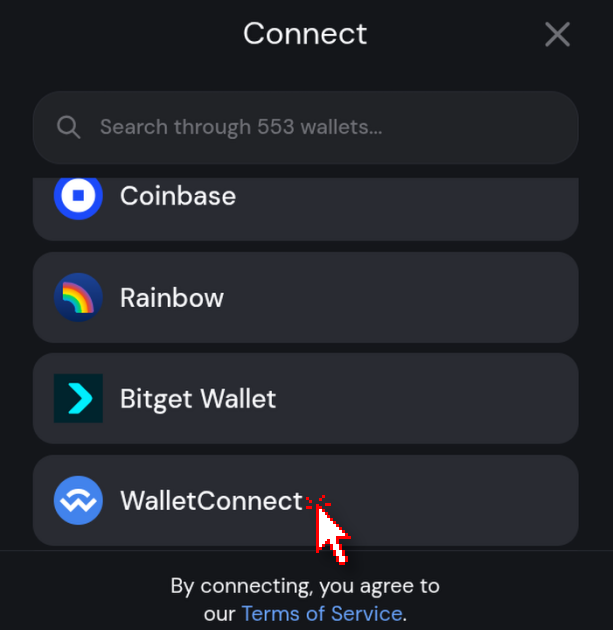
- Select the "WalletConnect" option
- In Coinomi, open the wallet you want to connect to the page
- Press the blue + button and select "Scan QR/WalletConnect". This will open Coinomi's camera
- Scan the page's QR code with Coinomi
- Accept the connection request that will pop up in Coinomi
- Done, the page will automatically detect your address
Making transactions
- Use the page normally on your browser
- Whenever you make a transaction via the page that requires signatures, an authorization request will pop up in the Coinomi app
- Check the signature and signature details, and confirm with your password if you accept it
- Done, the operation will be securely signed in your phone, and only the signature data will be transmitted to the page